Gerben Put Nederlands

← Back to the overview

Bord

An online whiteboard where my team thinks and plans together

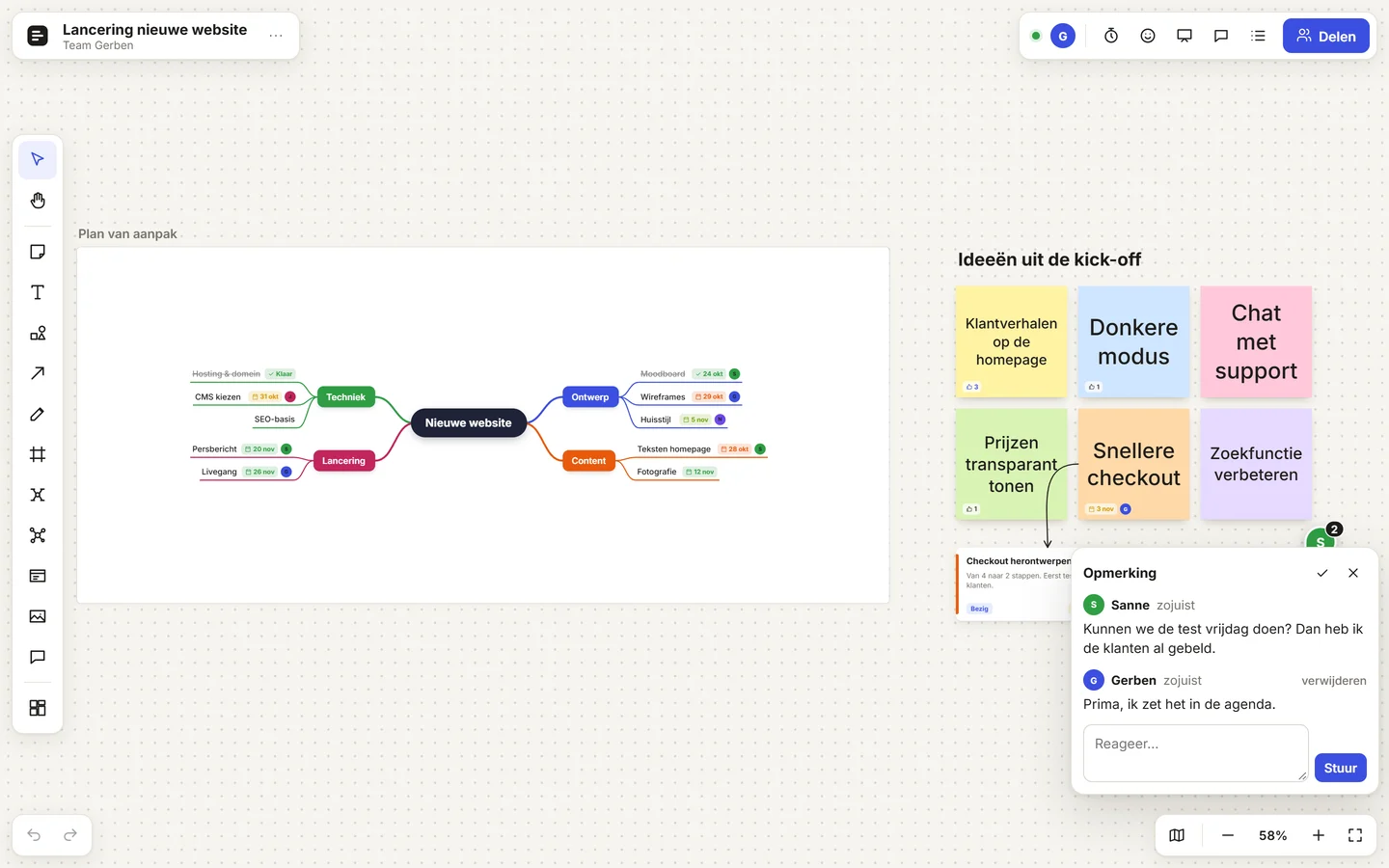
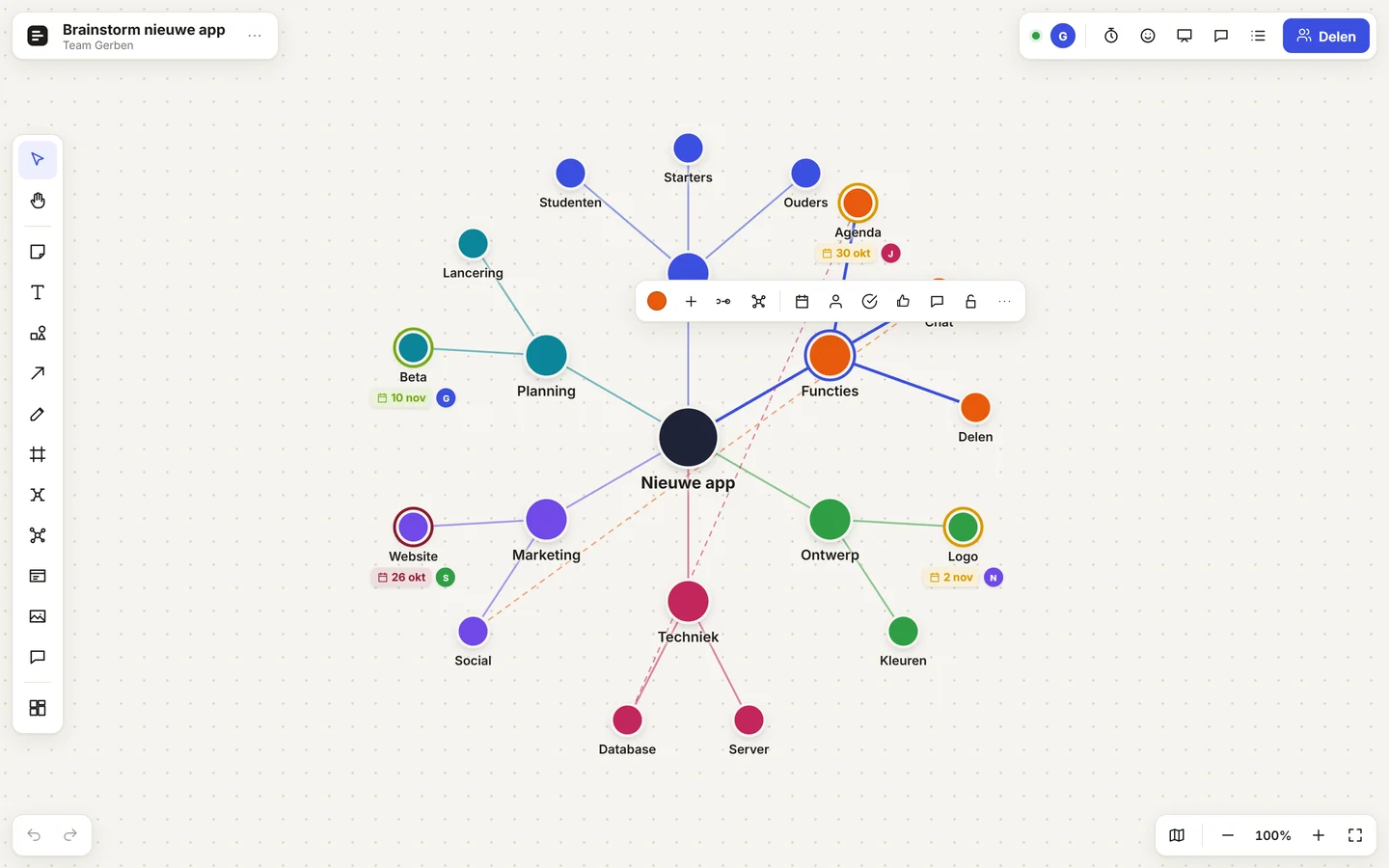
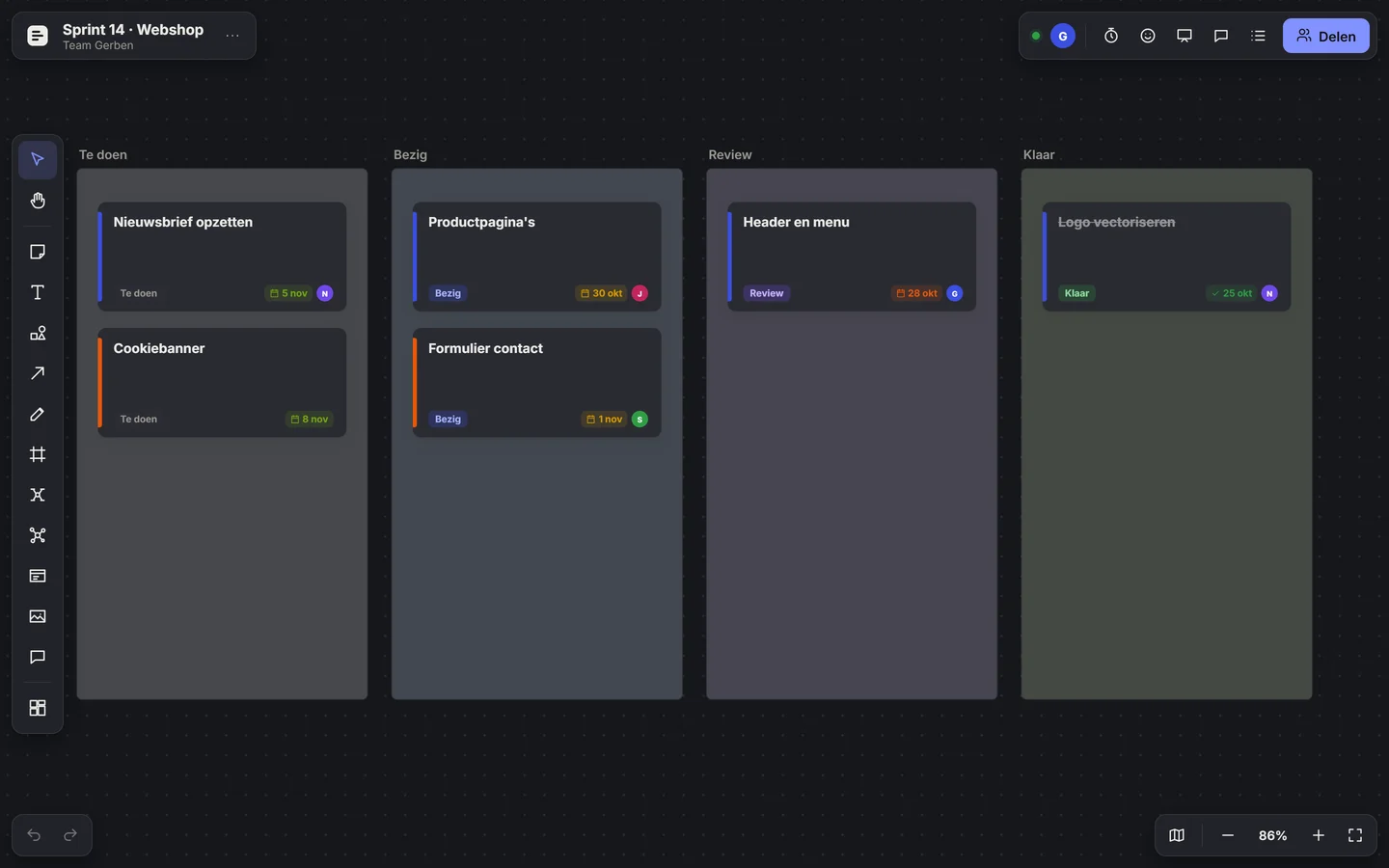
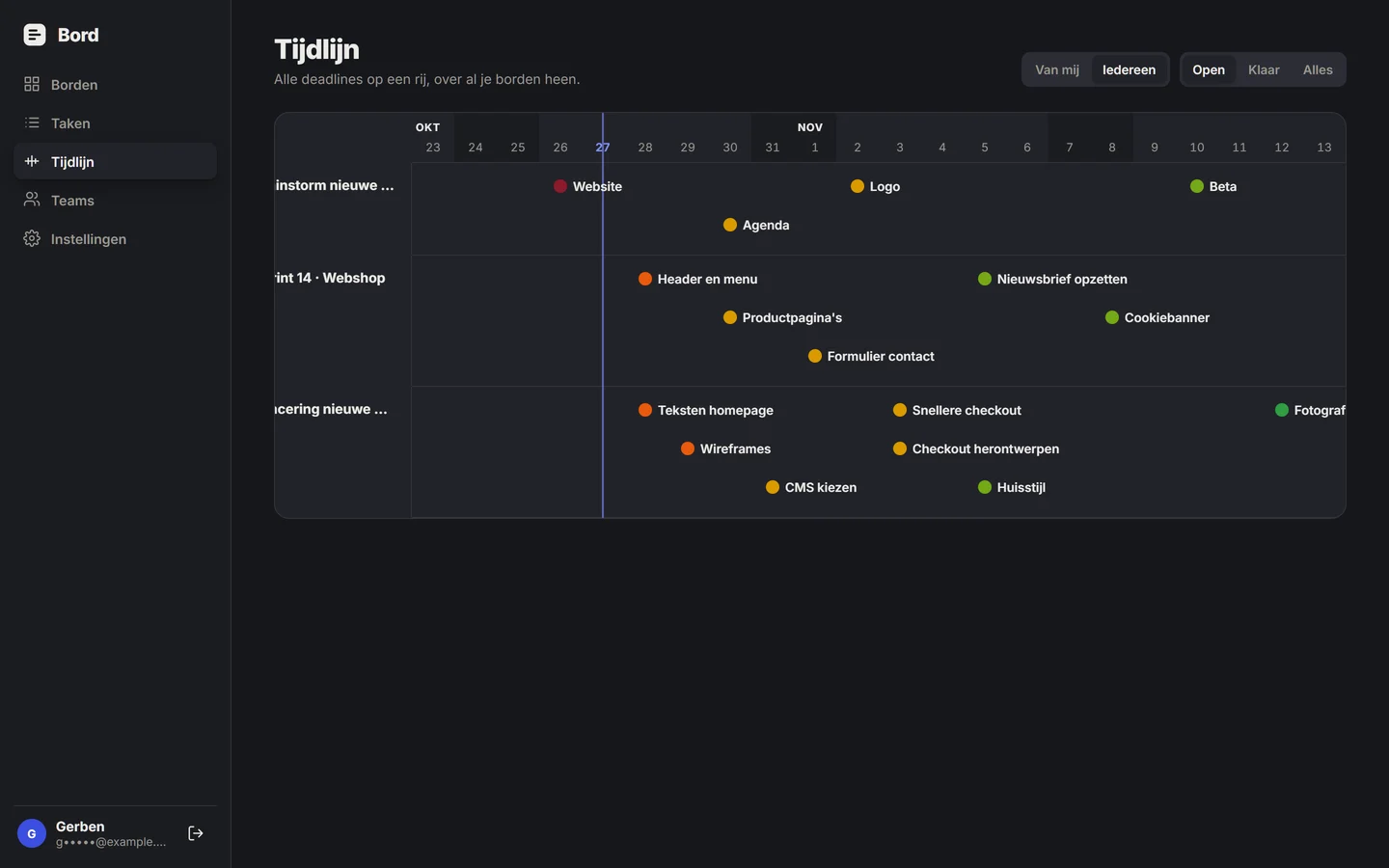
My own whiteboard in the spirit of Miro: notes, shapes, arrows, frames and mind maps on an infinite canvas, with everyone seeing each other's cursors and changes instantly. The features of my mind map are built in: deadlines that change colour, owners, a task overview and a timeline across all boards. The screens below show sample data.

  • Node.js
  • WebSocket
  • PostgreSQL
  • Resend
  • Docker
Bord: Screenshot of the live site
Scroll: this is the real site

The story

  1. 01

    The idea

    My mind map worked well for me, but with a team you want to sketch, organise and plan on one board together. So I built a whiteboard where notes and mind maps can simply become tasks with a deadline.

  2. 02

    The design

    A calm paper canvas with dots, dark controls and a single accent colour, in light and dark. The bubble mind map works like the quest tree I made before: drag a bubble and the rest follows.

  3. 03

    Under the hood

    A Node server without a framework, with PostgreSQL and WebSockets. Each board lives in memory and is saved every second; every change passes a strict filter. The bubble physics only runs for whoever changes something, who then sends the new positions to the others.

In detail

Canvas
Notes, text, shapes, arrows that stick to elements, pen, frames and images; with undo and alignment guides.
Mind maps
As a tree with Tab and Enter, or as bubbles with a force model that you can link and drag around.
Together
Live cursors and selections, comments, voting, a shared timer and presenting with others following your view.
Tasks
Deadline, owner and priority on notes, cards and branches, with an overview and timeline across all boards.
Reminders
An email before the deadline to whoever owns the task, and another on the day itself.
Templates
Kanban, retrospective, mind map, SWOT, weekly plan, roadmap and more, plus export as an image or file.
Next project Kennisbank A wiki that shows how each project fits together